When you create an On Demand business account, you become the primary user on that account by default. If needed, you can assign another user in your organization to be the primary user on the account. You may need to make this change if you are leaving the organization or if you will not be available for a given period of time and need someone else to take over your responsibilities managing the On Demand business account.
Note: Only users who have the
On Demand Training Administrator
security role can become the primary users on an account.
-
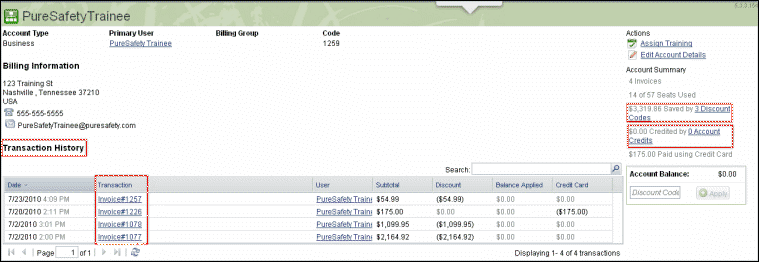
On the Account Details screen, click
the
Change link
next to the primary user name.
-
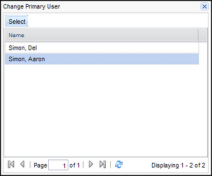
On the Change Primary User window,
select on of the users in the list. The window displays only users who have the
On Demand Training Administrator
security role.